The Problem with Fragmented Security Tooling
- Repetitive, copy-pasted workflow boilerplate: Each microservice repository maintains its own custom curl commands, CLI installations, and scanner configurations. When an API changes, scanner arguments are updated, or a new compliance rule is mandated, dozens of repositories must be updated individually.
- Static, high-privilege credentials: Teams frequently store scanner client IDs and tokens directly in repository secrets. With dozens of services, managing rotation and auditing exposure becomes an administrative bottleneck.
In an environment managing mission-critical microservices across regulated Kubernetes clusters, security cannot be an afterthought handled manually before a release. We needed automated shift-left security that acts as an integrated gate in every developer pull request, while ensuring credentials remain centralized, dynamic, and strictly scoped.
Here is how we designed and implemented a centralized scanning architecture using GitHub Composite Actions, BeyondTrust Vault dynamic runtime injection, and tiered environment gating with Wiz.
Architectural Hub: The Centralized pipeline-actions Repository
Enterprise Git Organization
  ├── pipeline-actions (Centralized Reusable Actions)
  │     ├── .github/actions/wiz-iac-scan/action.yml
  │     ├── .github/actions/wiz-container-scan/action.yml
  │     ├── .github/actions/java-build/action.yml
  │     ├── .github/actions/code-coverage/action.yml
  │     ├── .github/actions/coverity-sast/action.yml
  │     └── .github/actions/blackduck-sca/action.yml
  │
  ├── microservice-payment-api (.github/workflows/ci.yml)
  ├── microservice-account-svc (.github/workflows/ci.yml)
  └── microservice-auth-broker (.github/workflows/ci.yml)
Within pipeline-actions, we authored two dedicated composite actions for Wiz:
- wiz-iac-scan: Scans the workspace directory, Dockerfiles, Kubernetes manifests, Helm templates, and Terraform definitions before any build artifacts are produced.
- wiz-container-scan: Scans the compiled container image artifact, as well as any referenced upstream base images and sidecars, prior to container registry push and deployment.
Each microservice simply invokes these actions in its workflow file:
Zero Static Secrets: Dynamic BeyondTrust Vault Injection
- RUN_AS_USER: The service identity authorized to request secrets.
- VAULT_API_URL: The internal REST endpoint for BeyondTrust Vault.
At the beginning of each pipeline execution, an authentication step contacts the BeyondTrust Vault API. It verifies the repository context and runner identity, retrieves the active Wiz service account credentials, and exports them as transient environment variables in the runner process:
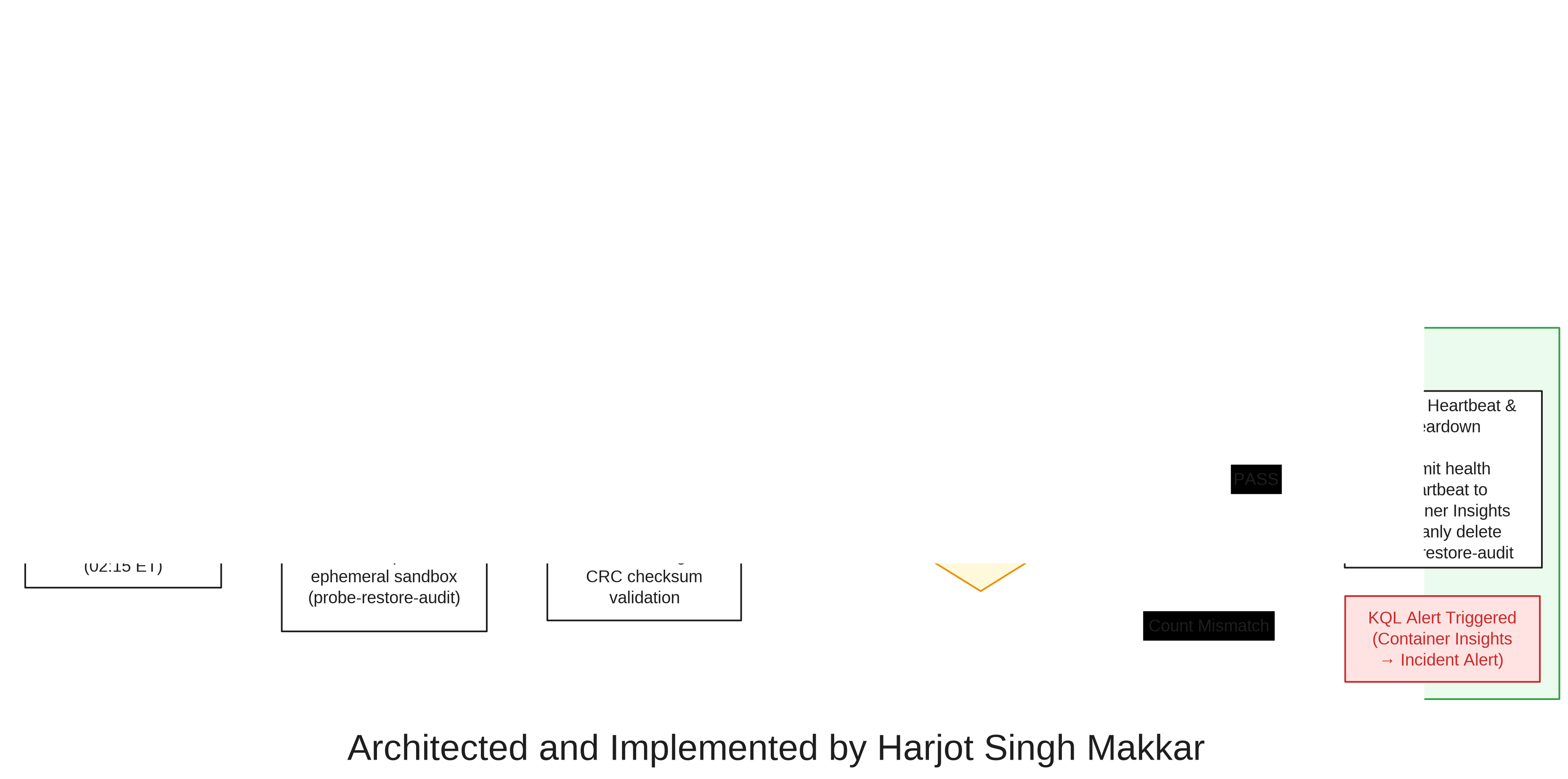
Because these variables exist solely within the ephemeral runner process, they are never checked into Git, never stored in repository settings, and are automatically purged when the runner workspace tears down.
Pre-Build Gate: IaC and Directory Scans
1. Secret Detection in the Working Directory
2. Infrastructure as Code (IaC) Misconfiguration Analysis
- Containers running with privileged: true or root UID.
- Containers lacking CPU/memory resource limits.
- Kubernetes services exposing node ports directly without an Ingress controller.
- Open network security group ingress rules (0.0.0.0/0).
Catching these misconfigurations in the pre-build phase gives engineers immediate feedback within their pull request before any binary artifact is compiled or packaged.
Post-Build Gate: Container Artifact and Base Image Scanning
- Application Container Image: Scans the newly generated container image layers for package vulnerabilities (CVEs), outdated dependencies, and OS-level libraries.
- Referenced Upstream Images: Parses the Dockerfile to extract all FROM directives and sidecar base images, ensuring upstream images meet security baselines before the final image is published to the registry.
Application Packaging (Helm / Docker)
  │
  ├── 1. Primary Container Artifact Scan
  │      └── Inspects application binaries, runtime libraries, and OS packages
  │
  ├── 2. Referenced Base Image Scan
  │      └── Validates base images (e.g., eclipse-temurin:21-jre-alpine)
  │
  └── 3. Vulnerability Aggregation & Policy Evaluation
Tiered Environment Gates: Soft-Pass vs. Hard-Block
Development and QA: Visibility and Soft Gates
- In the Dev environment, the container image is built and scanned.
- The action calculates the total number of High and Critical vulnerabilities.
- It generates a Software Bill of Materials (SBOM) and posts a detailed summary into the pipeline output.
- An automated notification is sent to the development and security email distribution group with direct links to the Wiz portal.
- The pipeline does not fail, allowing developers to continue testing functional features while remediation is scheduled.
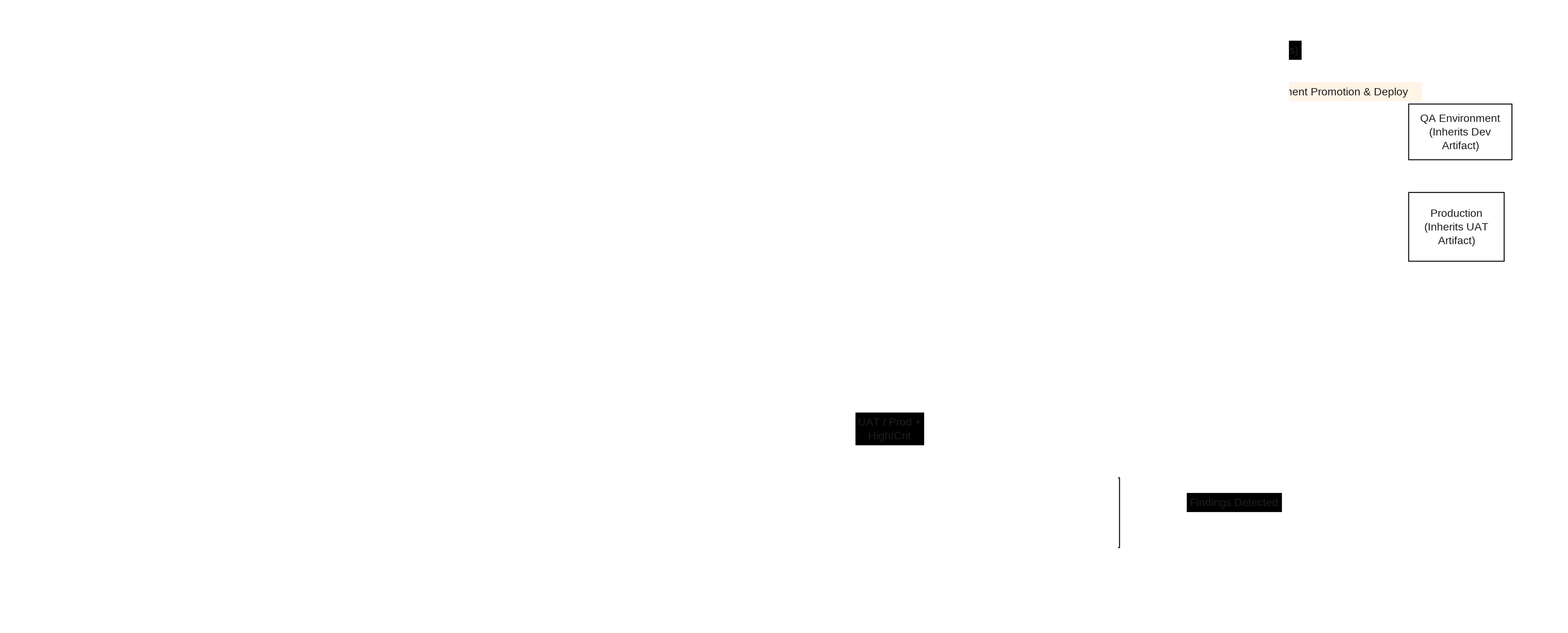
- QA receives the exact container image built in Dev after smoke tests pass, ensuring environment consistency.
UAT and Production: Zero Tolerance Hard Gates
- In UAT, where release candidates undergo stakeholder and user validation, the container image is rebuilt or promoted.
- The wiz-container-scan action evaluates strict admission criteria:
- Critical Vulnerabilities: 0 allowed.
- High Vulnerabilities: 0 allowed.
- If a single High or Critical vulnerability or an unapproved license is detected, the pipeline exits with a non-zero exit code, aborting the deployment immediately.
- Production only accepts release artifacts that have successfully passed the UAT hard gate, ensuring no critical vulnerability can ever reach live customer workloads.
Pipeline Gating Rules:
- Dev / QA:
  - Severity: Low / Med / High / Critical
  - Action: Warn, generate SBOM, dispatch email report
  - Pipeline Status: Success (Soft Pass)
- UAT / Production:
  - Severity: High / Critical
  - Action: Abort workflow immediately, block deployment
  - Pipeline Status: Failure (Hard Block)
Automated SBOM Generation and Alerting
- Extracts the comprehensive Software Bill of Materials (SBOM) in standard CycloneDX and SPDX formats.
- Uploads the SBOM artifact to the workflow run for compliance retention.
- Constructs an email summary containing:
- Repository name and commit SHA.
- Build number and author.
- Total vulnerability counts categorized by severity (Critical, High, Medium, Low).
- Direct hyperlinks to the Wiz console for detailed remediation guidance.
Key Engineering Takeaways
- Decouple scan logic from application repos: Using a central pipeline-actions repository allows the security and platform teams to update scanner versions, compliance rules, and reporting formats without opening PRs across dozens of application codebases.
- Never store static scanner tokens in repositories: Combining ephemeral runners with a dynamic secret manager (such as BeyondTrust Vault) ensures zero long-lived scanner credentials exist on disk or in repository settings.
- Scan both the app and its upstream foundations: Scanning only the final image misses vulnerabilities lurking in unpinned base images. Always scan referenced upstream images during the build cycle.
- Tier your gates to balance velocity and safety: Use soft-pass visibility gates in Dev and QA to prevent developer friction, while enforcing hard-blocking zero-tolerance gates in UAT and Production to guarantee release security.