BlogMay 15, 2025Why a Successful Backup Job Doesn't Prove Disaster Recovery
Disaster Recovery
OpenSearch
Azure Blob
Automated Probes
Data Integrity
The Assumption Nobody Checks
- The snapshot catalog is missing critical metadata pointers.
- Encryption keys were rotated, rendering historical blob chunks un-decryptable.
- The snapshot was partial: Lucene shard segments were skipped during node write locks.
A backup job that exits with code 0 only proves that the upload process finished. It provides zero proof of recoverability.
Deep-Dive Case Study: For the complete production architecture, FluxCD GitOps automation, and incident postmortem of the multi-tier backup system we built, read Automated OpenSearch Backup & Restore-Probe Verification Pipeline.
What "Backup Success" Actually Means
- The container process starts.
- It triggers a snapshot API call or streams files to object storage.
- It exits with code 0.
Notice what is missing from this equation:
- Did the storage backend accept and persist all shard chunks without truncation?
- Is the snapshot catalog internally consistent?
- Can the database engine allocate, reassemble, and query those chunks in a clean environment?
In our OpenSearch clusters, we found that relying solely on repository snapshot status left critical blind spots. Shard-level snapshot metadata could report SUCCESS while leaving indices susceptible to restore-time allocation deadlocks if node discovery configurations differed.
The Paradigm Shift: The Automated Restore Probe
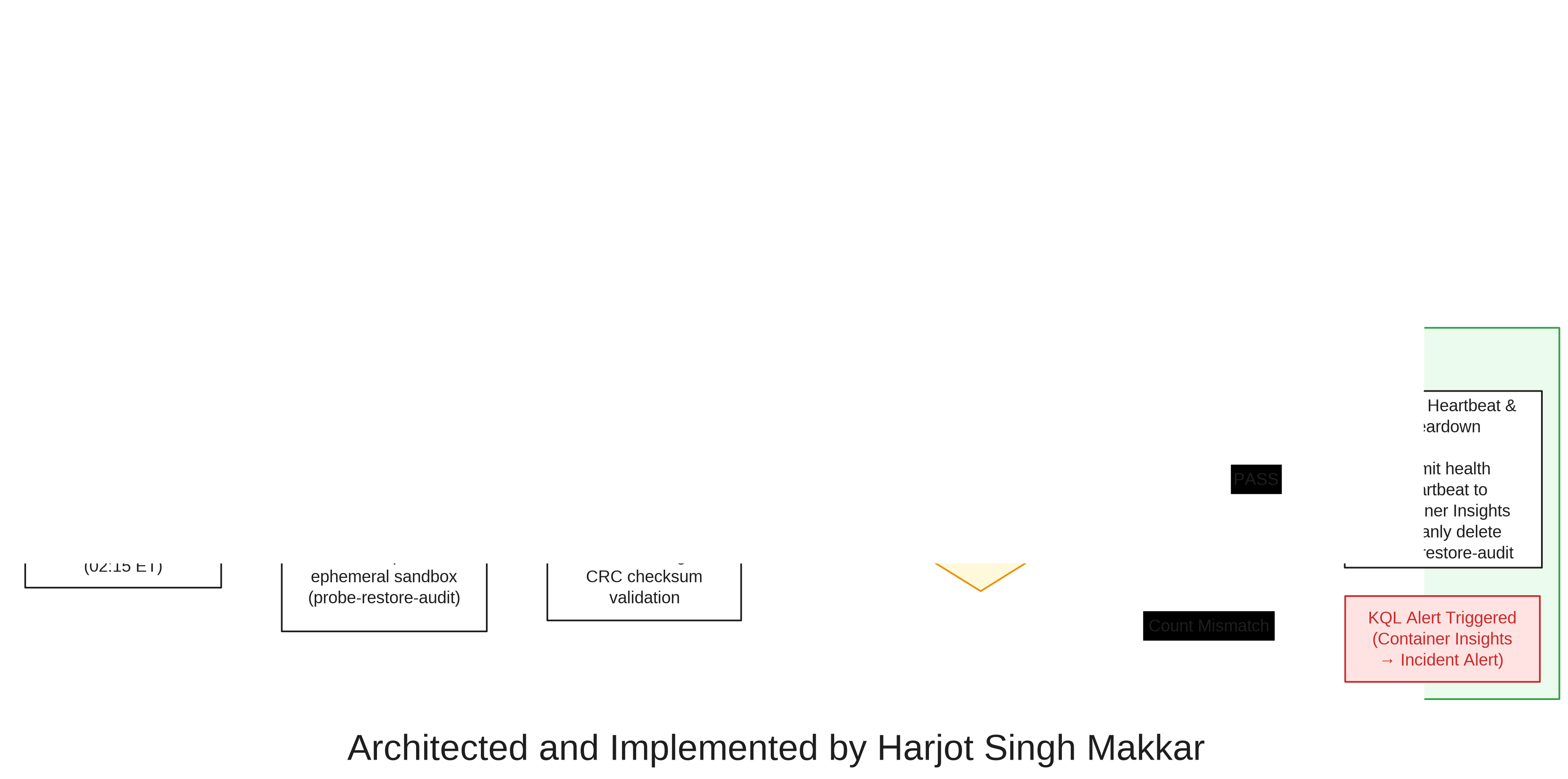
The 4 Verification Gates Every Restore Probe Must Enforce:
- Snapshot Repository Health Assertion:
The probe queries the repository API to verify that storage account SAS tokens or IAM roles have not expired, and that snapshot metadata chains are unbroken.
- Ephemeral Sandbox Allocation:
The probe issues a real restore request for a dedicated canary index (e.g., probe-verify-2025-05) into an isolated namespace, proving that Lucene segment files can be downloaded from object storage across the network.
- Lucene CRC & Record Sanity Checks:
Once the temporary index transitions to status: green, the probe queries document counts and verifies that record totals match the pre-backup baseline.
- Automated Teardown & Heartbeat:
The probe deletes the temporary verification index and emits a cryptographic health heartbeat to Azure Monitor. If the restore hangs or fails for more than 10 minutes, an automated high-priority alert pages the on-call SRE.
Implications for SRE Practice
- Decouple verification from backup execution: Never verify within the same script that took the backup. Run the restore probe as a separate process on a staggered schedule.
- Restore actual data, not just metadata: An API check confirming a snapshot exists is insufficient. You must allocate shards and read records from the restored indices.
- Automate cleanup: A good restore probe leaves zero persistent footprint. It restores, validates, records telemetry, and cleans up after itself.
- Treat restore failures as Sev-1 incidents: If a restore probe fails, you do not have a working backup. Treat it with the same urgency as a production service degradation.
A successful backup job is merely the starting line. Recovery readiness requires continuous, automated proof that your snapshots can actually bring your platform back to life.